

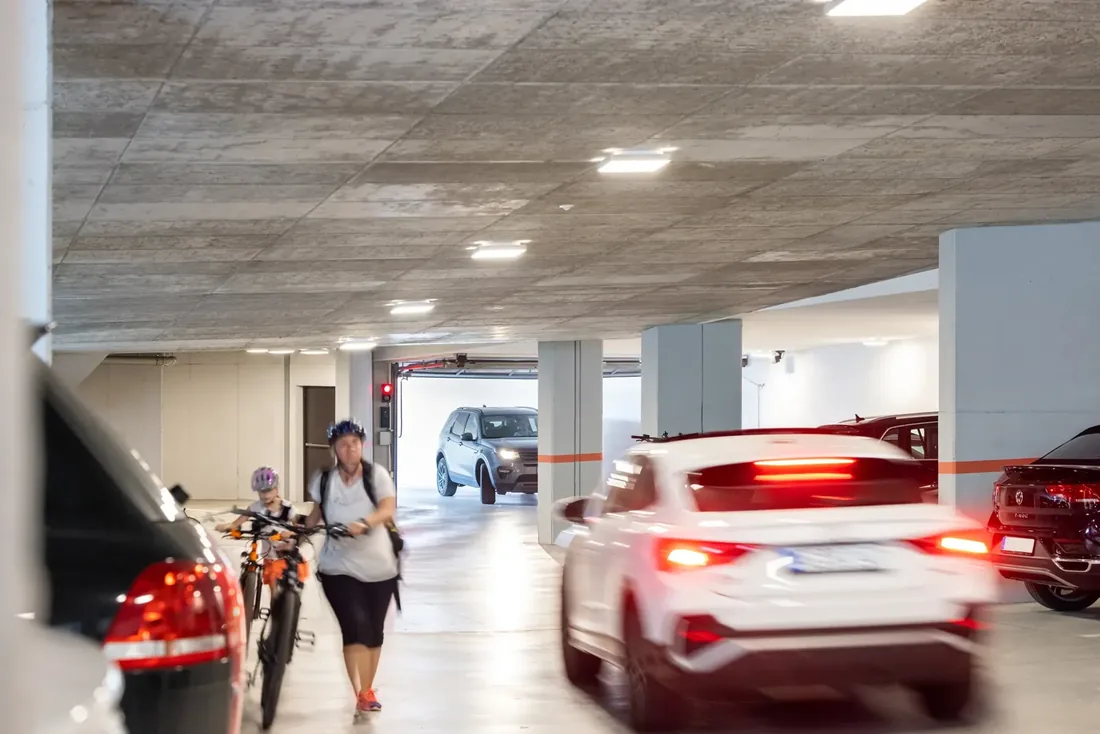
Multi-storey car parks
One slave per floor with its own counter: when a floor is full, that floor's traffic light turns red.
Car park · per traffic lightSignalling
Traffic lights, control units and flashing lights for private roads, car parks, industry and logistics.
All signalling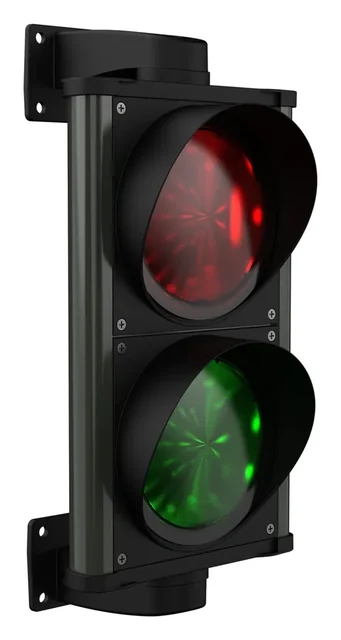 ChronosMulti-voltage 24–230 V, aluminium · IP66
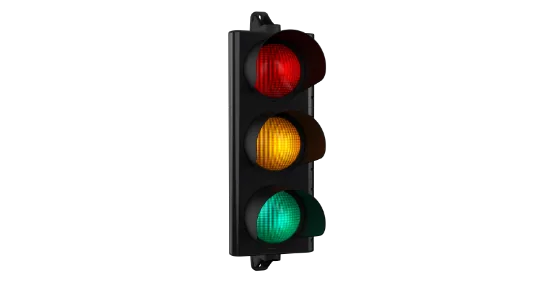
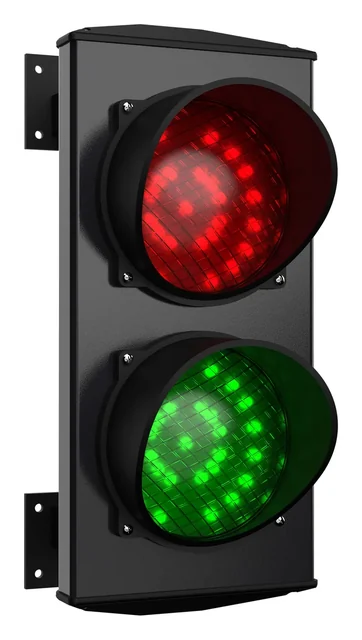 ApolloThe original, in over 60 countries · IP66
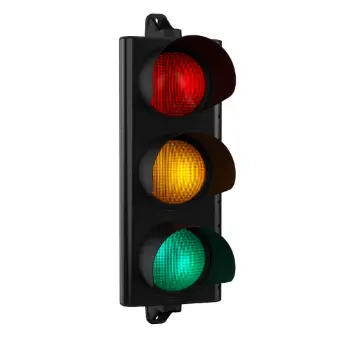 ERA200Road use EN 12368, 200 mm lenses
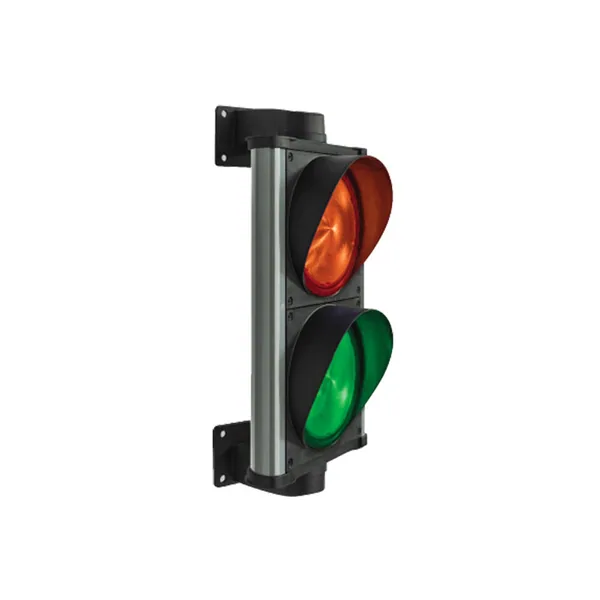
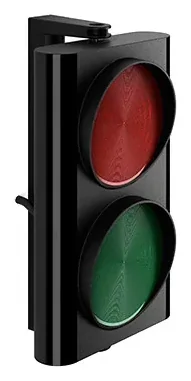 ERA80Compact two-light, 12 or 24 V · IP66
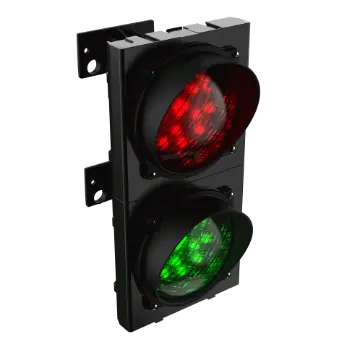 Apollo PlastModular technopolymer · IP66
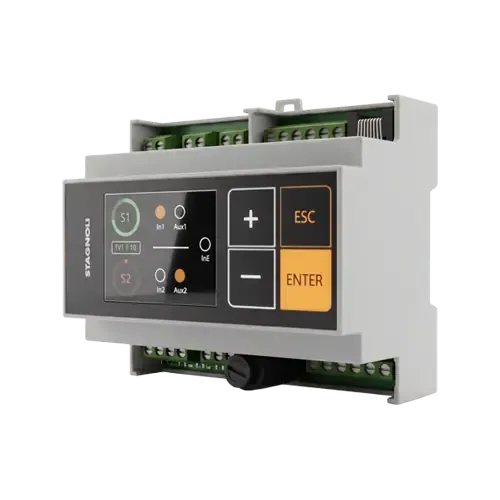
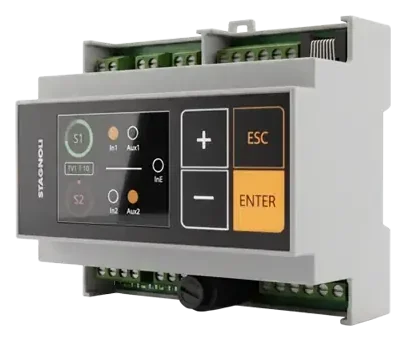 VIACONTROL6-module DIN control unit, 2.2" display
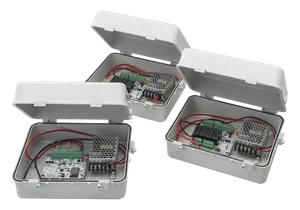 Saturno1 to 10 traffic lights, RS485 master/slave
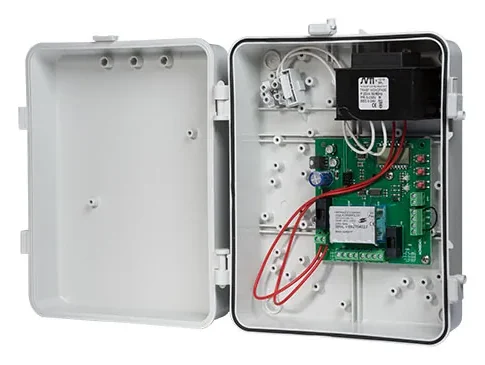 ACNSEM3LBoard for 2 traffic lights, time-based or priority-based
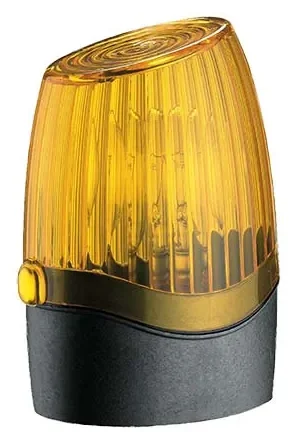 PegasusLED flashing light 12, 24 or 230 Vac/dc
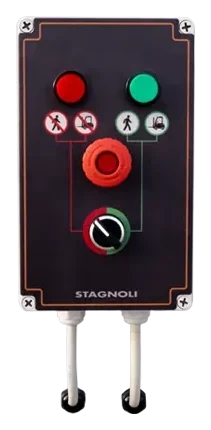 Loading bay accessoriesASFSW230 selector and dock lights
Safety
Photocells, sensors and controls that complete the system: the same construction standards as the Stagnoli range.
All safety productsUse cases
Real scenarios explained in 3D: what to install, where, and how the system behaves.
All use cases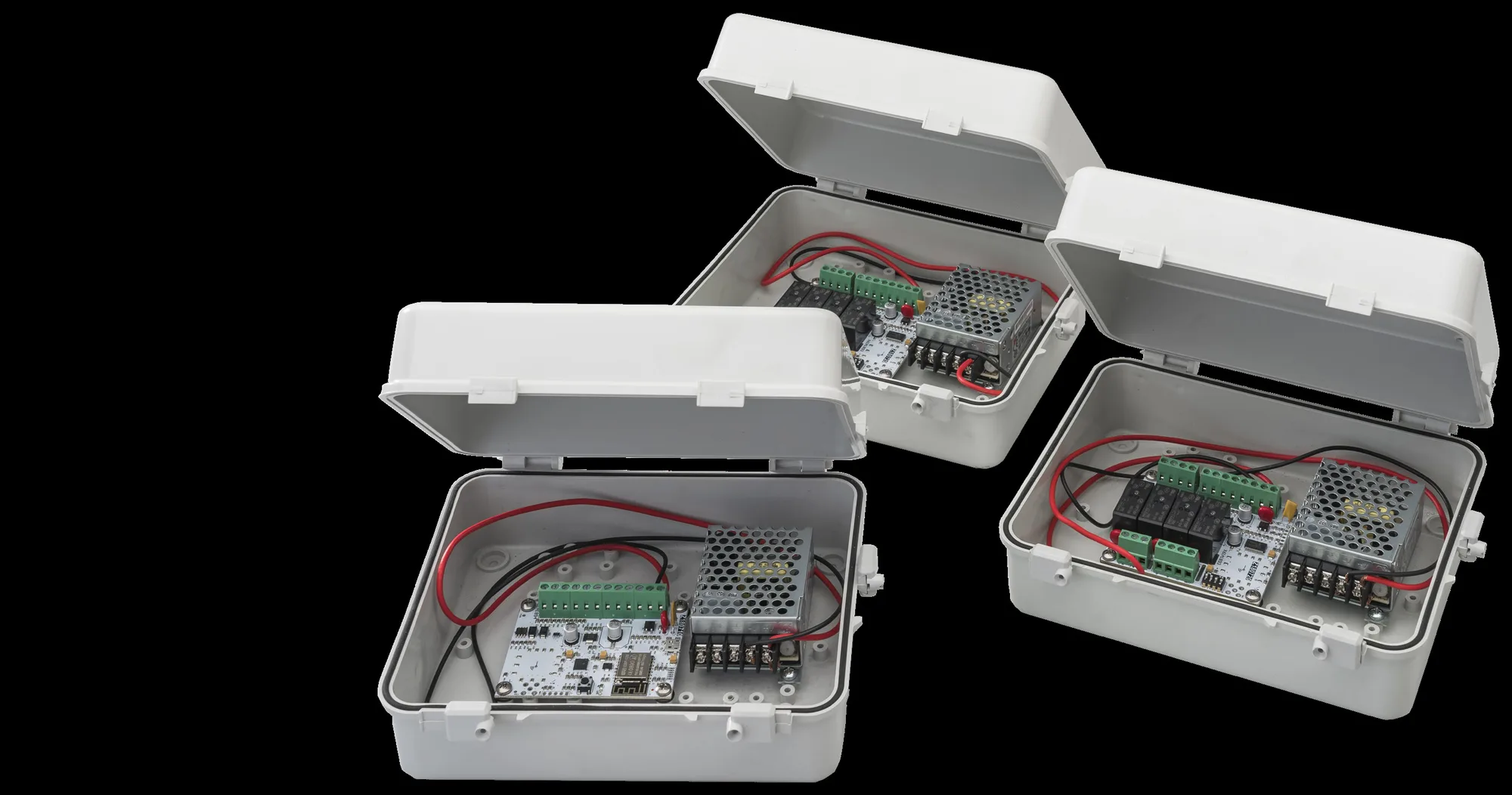
Wi-Fi traffic light control unit
From 1 to 10 traffic lights, from car parks to alternating one-way systems. Configured from your phone.
Available configurations
Saturno is Stagnoli's control unit for coordinated control of 1 to 10 two- or three-light traffic lights. One master board for programming and one slave board for each traffic light, connected by a single RS-485 cable up to 1 km. It is configured from a smartphone, tablet or PC with a browser, by connecting to the master's local Wi-Fi network, with no software. It works in time-based, booking and mixed mode, and as a car park with free-space counting.


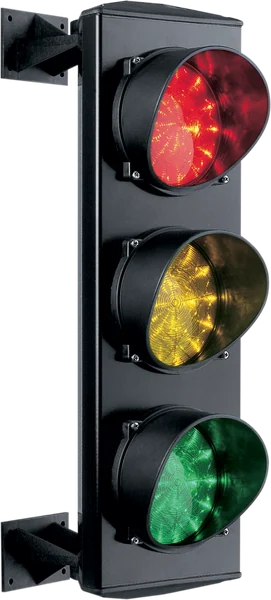
Saturno is compatible with all traffic lights in the Stagnoli range.
Voltage
Master and slave have a built-in transformer for the 230 V mains; alternatively they can be powered directly at 24 V dc.
Key specifications
Wiring diagram, web interface and factory presets in the manual and the documentation.
Find out moreSimulator
Each entrance or floor has a slave board with its own traffic light and two sensors; the master keeps count and shows it in the web interface. Try filling up the car park.
| ID | Name | In1 | In2 | Emerg. | Status | Free spaces |
|---|---|---|---|---|---|---|
| 1 | Entrance A | — | ||||
| 2 | Entrance B | — | ||||
| 1 | Floor 0 | — | ||||
| 2 | Floor −1 | — | ||||
| 3 | Floor −2 | — | ||||
| 1 | West branch | — | — | |||
| 2 | East branch | — | — | |||
| 3 | South branch | — | — |
What happens
Each entrance has its own slave: IN1 counts who comes in, IN2 who goes out.
Demo of the «Car park» logic from the Saturno manual: global counter (several entrances, a single area) or per traffic light (one counter per floor). The SPACES/FULL sign is an example of a load on the slave's auxiliary output.
Time, Booking and Mixed: three-branch junction with one slave and one traffic light per branch; times shortened for the demo (green 6 s, amber 2 s, area clearance 2 s; in time mode start 0, 10 and 20 s on a 30 s cycle).
The interactive simulator is designed for larger screens: open it on a computer or tablet to try the logics, sensors and emergency.
Request a demoWeb interface
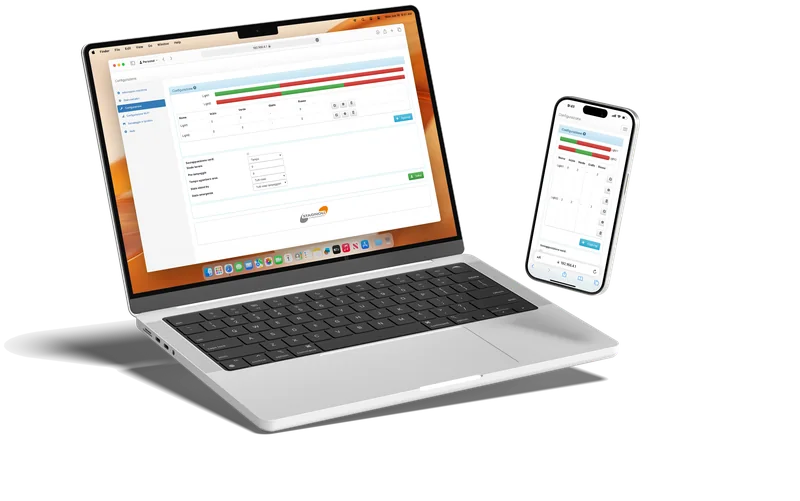
The master board creates a local Wi-Fi network: connect with a phone, tablet or PC and take full control of the system from any browser.
How to connect
Local point-to-point network, with no Internet connection.
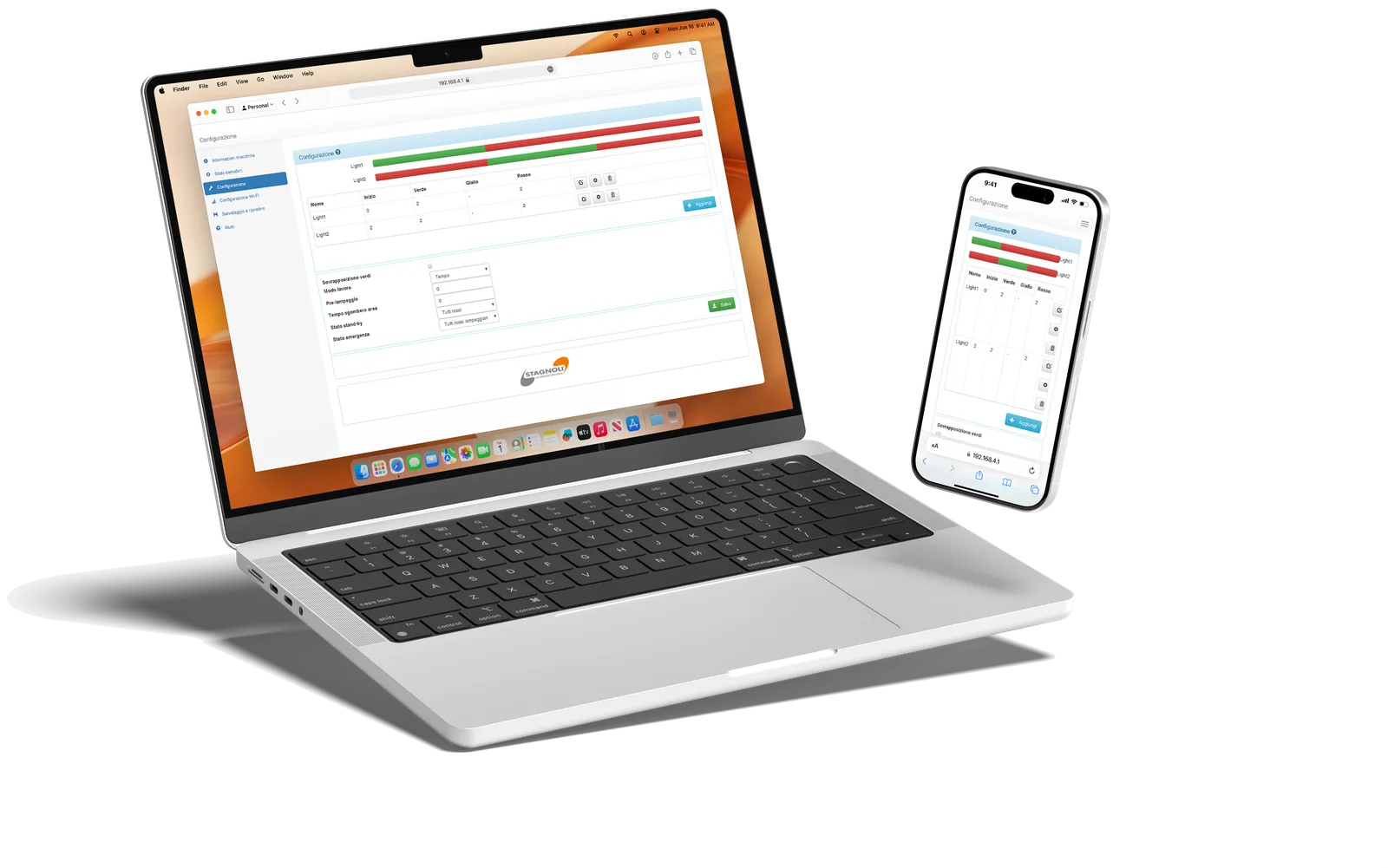
Lights on, sensor inputs and emergency for every traffic light.
Start, green, amber and red for each light, with the cycle bar always in view.
Behaviour in stand-by and emergency, for example all red flashing.
Factory presets to customise, with help from our support team if needed.
Fields of application
The typical systems from the manual: all that changes is how many slaves you need and which logic you choose.
One slave per floor with its own counter: when a floor is full, that floor's traffic light turns red.
Car park · per traffic light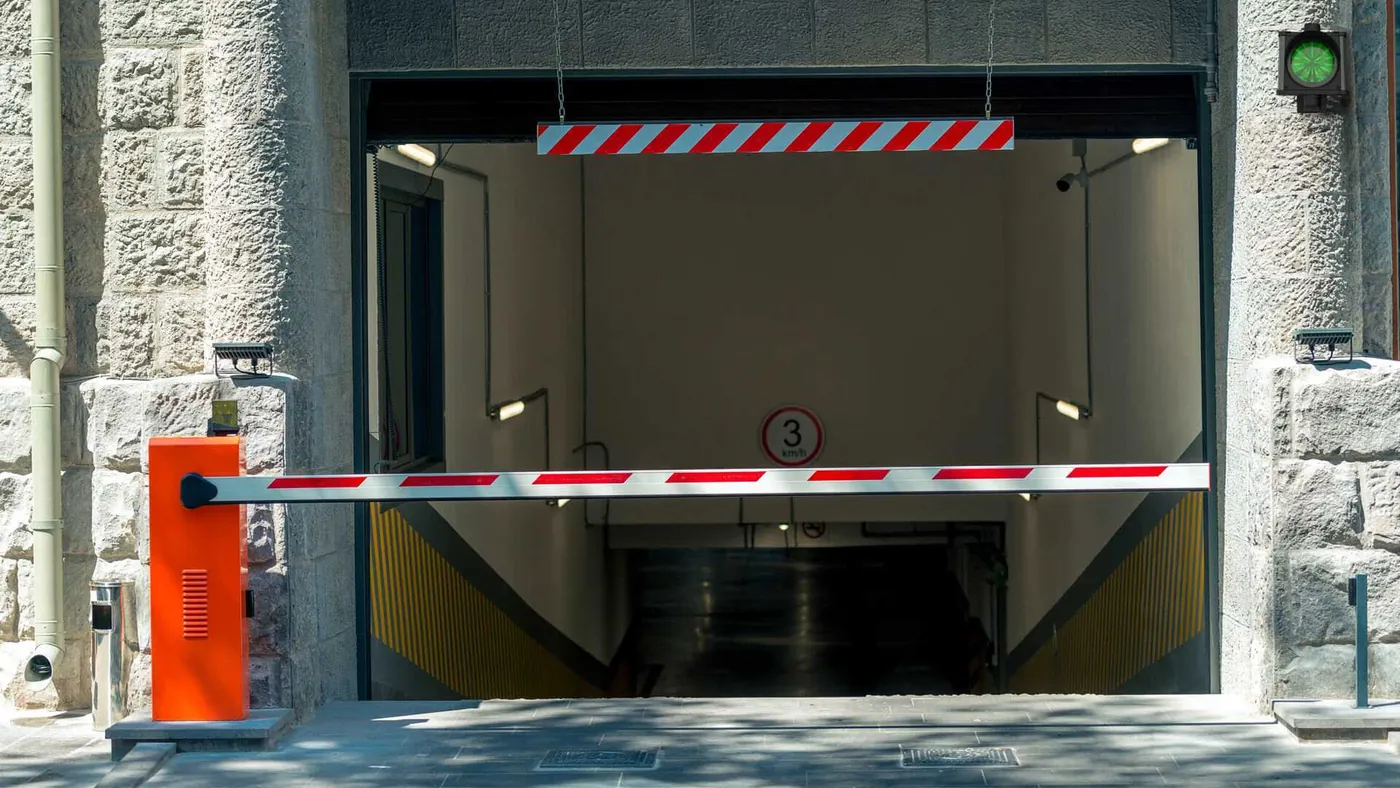
All entrances update a single counter: when spaces run out, red on all traffic lights.
Car park · global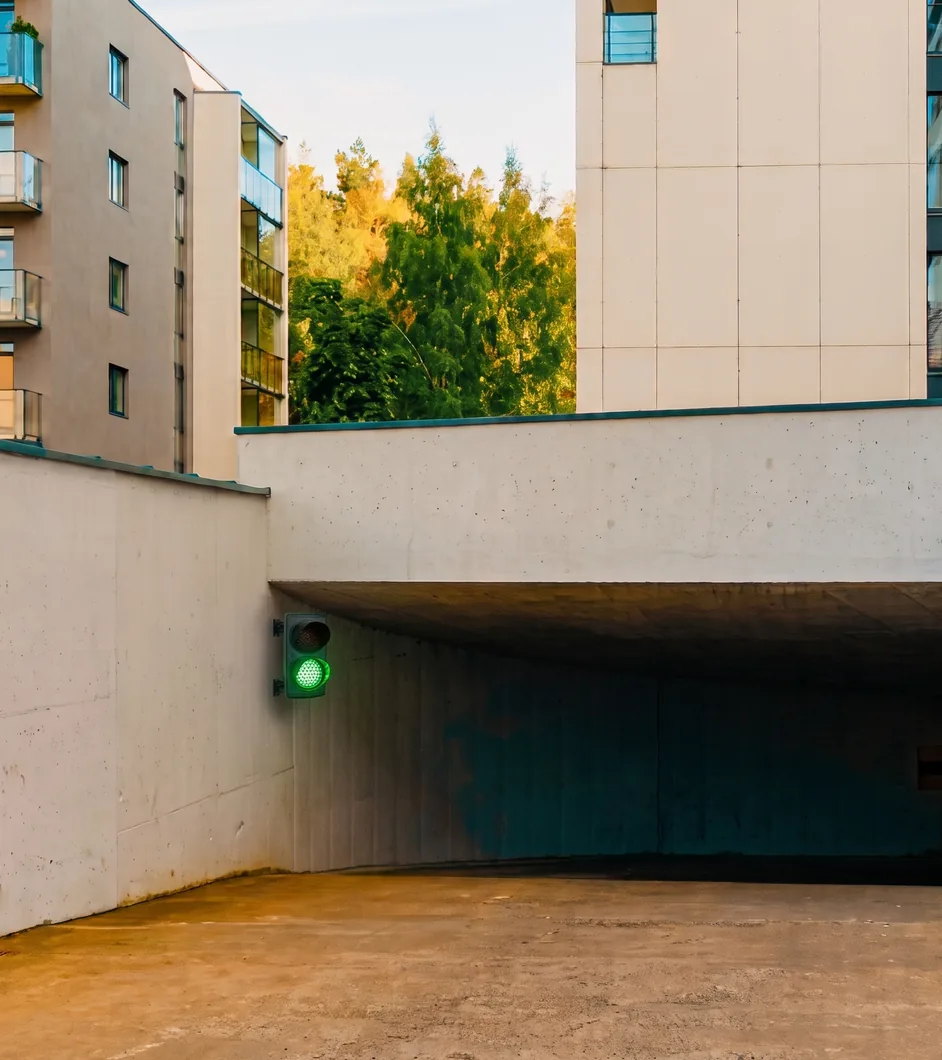
Two or more traffic lights with presence sensors: green to whoever books, after clearance.
BookingTechnical documentation
All Saturno codes, manuals, drawings and spare parts are in the documentation, always up to date.
Saturno documentationOur support helps you remotely at every stage of installation, with factory presets to load and customise.
Choose which cookies and similar tools to accept. Necessary ones are always active. You can change your mind at any time from “Cookie preferences” at the bottom of every page.
Needed for the website to work: session, language and storing your choice. Details
Google Analytics 4: tells us in aggregate form which pages are visited, to improve the website. Details
Google Ads and the website's campaign cookies: they measure which ads and campaigns bring requests and link them to your request. Details
YouTube videos and the Google Maps map, loaded from Google servers. Details